Prompt to Video AI: Write One Shot in Words
Type a scene into Create video, select one of the video models and start the run: that is prompt to video AI on MarketVideo. It works best when the prompt reads like one shot told in words rather than a script.
Turn your prompt into a videoReady in minutes · Free templates every day
Each empty slot gets filled by the model itself, usually with the plainest option. Below, a prompt is broken into six slots, with notes on what length and word order change and on when a photo of your hero should go along with the text.
Six slots of one shot
Hero, action, place, camera, light, sound. A retired couple in matching yellow raincoats is the hero; carrying a huge cake down the porch steps is the action; a farmhouse in the rain is the place. Camera: handheld, a slow push-in or a wide shot from above. Light: overcast morning, neon, a low sunset behind the subject. Sound: creaking boards, a barking dog, a short line in quotes.
What the model fills in for you
A slot you skip does not stay empty. Leave out the camera and you get a medium shot with smooth movement; leave out the light and it turns into flat daylight; leave out the place and the background drifts toward a stock-footage look. On models that record audio, a missing sound line means noise matched to the picture. When a clip comes out dull, one empty slot is usually the reason.
Length and word order
Put the action first: buried at the end of a long paragraph, it is the part the model drops most often. Two to four sentences are enough for one shot, and ten will not make the clip richer, only force the model to choose what to leave out. Keep one action per shot as well: "sits down and opens a book" is two movements, and in five seconds the second may not happen.
A prompt with a hero photo, and one without
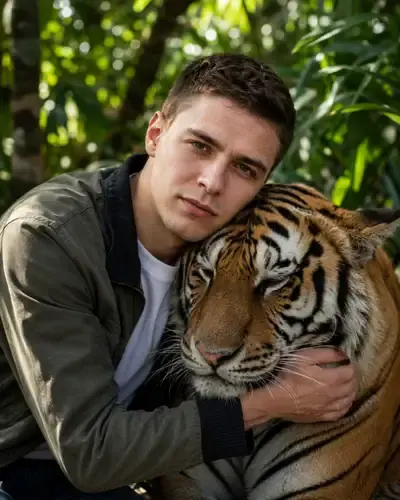
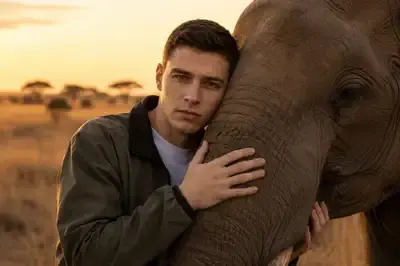
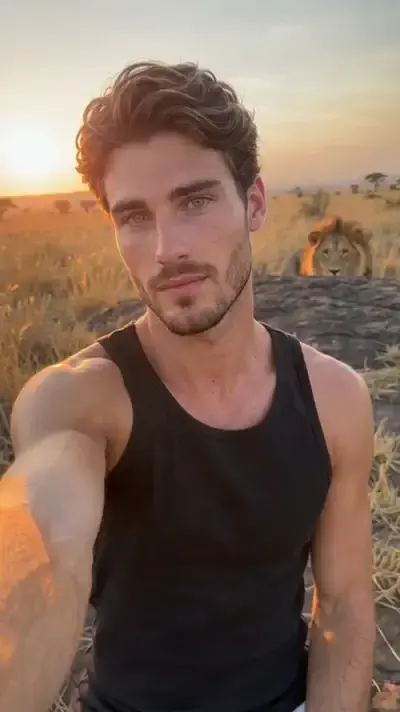
With no photo attached, the model invents the hero, and the next run brings a different person. Attach a photo and the picture fills the first slot, while the other five work as before. Tiger Hug in the Jungle and Elephant Hug in the Savanna are built this way: the person from your photo hugs the animal, and the template text sets the scene, light and motion. Use a photo of yourself or of someone who agreed.
Picking a model for the prompt
For a prompt with dialogue or sound cues, Seedance 2.5 Omni produces the soundtrack together with the picture and takes shots of up to thirty seconds. If the description has grown into several scenes, Kling 3.0 can spread it over separate shots in its multi-shot mode, though by then you are closer to writing a script. Each model's star cost is visible before the run starts.
Ready-made templates
FAQ
Can I turn a prompt into a video for free?
Five starter stars arrive when you confirm your email. Whether that covers one prompt varies by model and clip length, which the form spells out before the run. A template showing the Free today mark costs nothing until its daily quota is gone; after that, a plan or a pack from the Pricing page keeps the runs going.
Why didn't the video match my prompt?
Usually the model filled an empty slot its own way or lost an action placed at the end of a long paragraph. Reread the prompt slot by slot, move the main action into the first sentence and adjust a single slot per run, so you can see what made the difference.
How long is a video made from a prompt?
You set the length in the form: most models start at five seconds, and Seedance 2.5 Omni stretches to thirty. One prompt is meant for one shot, so a longer piece is assembled from several runs, or split into shots with Kling 3.0's multi-shot mode.
What does a good AI video prompt look like?
Here is one built from the six slots: "An old fisherman mends a net on a wooden pier at dawn; slow push-in at eye level; low orange sun behind him; gulls and lapping water." Swap any slot, such as the hero, the place or the light, and you have a new prompt to test.