AI Video with Sound: Models That Add Audio Themselves
An AI video with sound starts with the model you pick. Seedance, Kling 3.0 and Veo 3.1 render image and soundtrack together, in a single pass: footsteps on gravel, street hum, a line of dialogue with the lips moving to it.
Make a video with soundReady in minutes · Free templates every day
Other models return a silent clip. This page covers which models sound by default and where sound is a switch, what you hear without asking, how to spell out dialogue, noise and music, how to animate a photo with sound and how the star cost works.
Which models produce sound in the same pass
Seedance 2.5 Omni always builds an audio track. On Seedance 2.0 and Seedance 2 Mini the track starts out enabled, and the form lets you turn it off. Kling 3.0 has a sound effects switch, and Veo 3.1 returns its clips with sound without any setting. Grok 1.5, by contrast, renders the picture only, so choose it when a silent clip is what you want.
What you hear without asking
When the prompt says nothing about sound, the model matches it to the picture: traffic and wind on a street, cups clinking in a café, snow crunching underfoot, birds in a forest. For a mood clip that is often enough. Speech and music rarely appear unprompted, and when they do they are random, so anything that must be heard goes into the prompt as its own line.
Writing dialogue, noise and music into the prompt
Put the spoken line in quotes and say who speaks it: the woman at the window says "I knew it." One short line per five seconds works better than three. Name sounds precisely: not "noise" but a creaking door or heels clicking on tile. Describe music by genre and instrument, for example soft jazz with a double bass, and keep that description short.
Bringing a photo to life with sound
Sound-capable video models accept a photo as the first frame and build the motion and the soundtrack together: the person in the picture turns their head while the scene around them comes alive with noise. If you already have a recording of your own, LTX-2.3 LipSync makes a portrait move its lips along with that audio clip. Stick to your own photos, or to people who have said yes.
What a clip with sound costs
Every run is charged in stars. A pricier model, a longer clip or a higher resolution each push the figure up, and the form shows the total before you start. For clips with sound, Seedance 2 Mini at low resolution and Kling 3.0 sit at the lighter end, while Seedance 2.5 Omni and Veo 3.1 cost more. A run made with sound switched off by mistake still uses stars, so check that setting first.
Templates or your own prompt
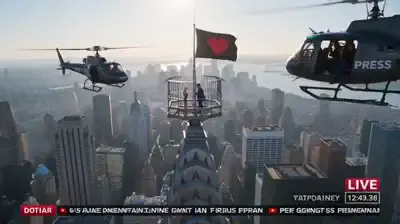
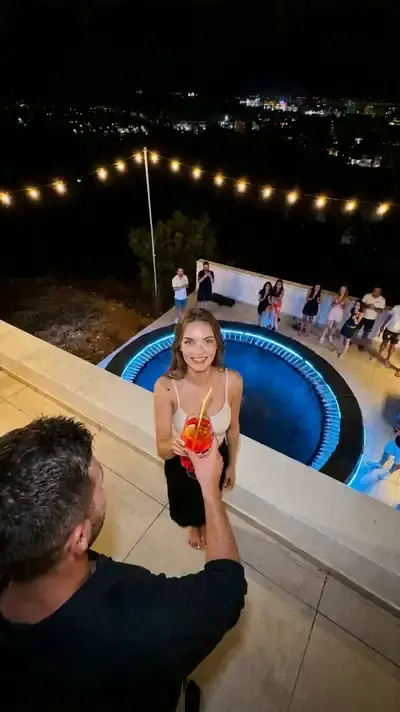
The grid below holds ready-made video scenes, from proposals to a dance in a car and a rooftop flip: add your photo and start the template, with the setting, the look and the camera motion built in. When you need control over what is heard, such as a particular line or the noise of a room, write the scene yourself on Create video and pick Seedance, Kling 3.0 or Veo 3.1.
Ready-made templates




FAQ
Does Veo 3.1 make video with sound?
Yes. Veo 3.1 delivers its clips with sound and needs no switch for it. Write dialogue and noises into the prompt the same way as for Seedance, keep each spoken line short, and weigh its star cost against Kling 3.0 before running.
Can I make an AI video with sound for free?
Possibly, within limits. A new account receives 5 starter stars after the email check, and whether they stretch to a clip with sound comes down to the model and its duration, which the form answers before you spend anything. Free today templates have their own daily allowance of free runs, and the Pricing page handles the rest.
Why did my video come out silent?
Check the model first. Seedance 2.0, Seedance 2 Mini and Kling 3.0 let you turn sound off, which is easy to do by accident, and Grok 1.5 adds no track at all. Run the scene again with sound on, or move it to a model that always records audio, such as Seedance 2.5 Omni or Veo 3.1.
Can a character say a specific line?
Short lines work best: put the words in quotes, name who says them and keep to one brief sentence per five seconds of video. When the words must match a recording you already have, LTX-2.3 LipSync is the better route, since it syncs a portrait's lips to an audio clip you supply.