What an AI Generator Can Make from Text, Photos and Templates
On MarketVideo, an AI generator covers two outputs, images and video clips, and each can start from a different input: a few lines of text, your own photo, or a ready-made template that already holds the scene.
Make your first imageReady in minutes · Free templates every day
Picking the right one first saves stars: a prompt alone cannot put your face into a picture, and a template will not follow a free-form idea. The sections below go output by output. Standalone audio is not part of the site, so tracks and recorded speech have to come from somewhere else.
An image from a description
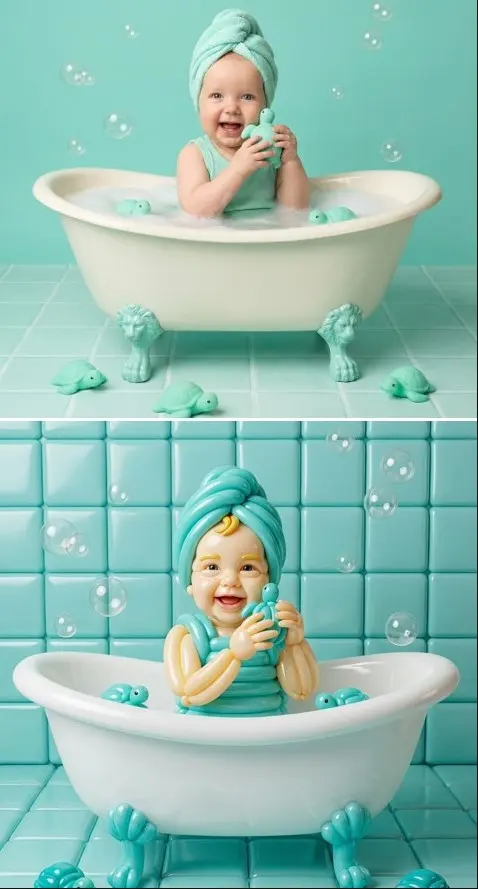
Input: text only. On Create photo you describe the subject, setting, light and style, choose one of the photo models, such as Nano Banana, GPT Image 2.5 or Seedream 4.5, and get a picture that did not exist before: a product shot, an illustration, a background. It is the quickest output, usually a minute or two.
An edit of your own photo
Input: your photo plus an instruction. The same Create photo page takes an uploaded picture and changes what you name: it removes a stray object, replaces the background, tries another outfit or hairstyle, or moves you into a different scene. The person in the photo should be you or someone who said yes to the edit.
A video from a photo or a prompt
Input: a description, with or without a starting photo. Create video turns it into a short clip with models such as Veo 3.1, Kling 2.6 or Seedance 2.0; Kling 3.0 builds multi-shot scenes, Motion Control moves your photo the way a reference video moves, and LTX-2.3 LipSync makes a portrait speak along with an audio clip you upload. Expect a few minutes per clip.
A template result
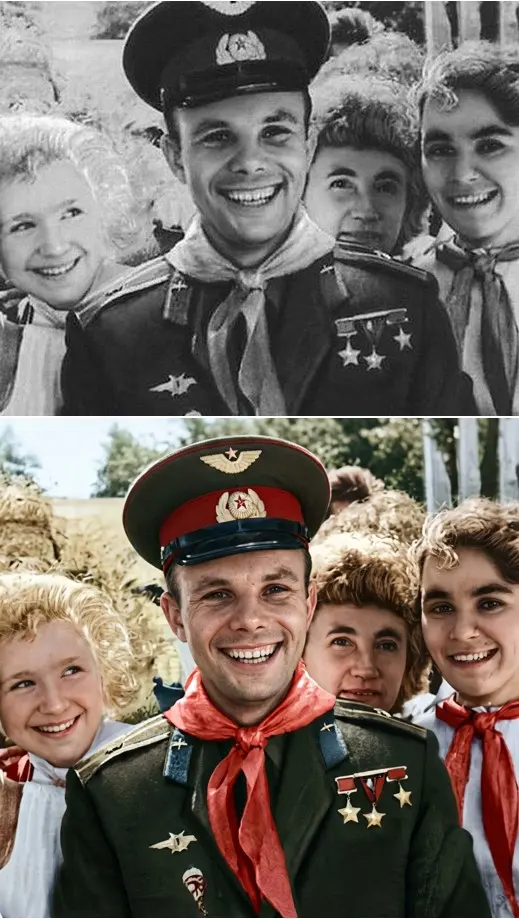
Input: only the photos a template asks for. The catalog holds more than 1,000 photo and video templates where the scene, style and camera work are already decided, from Rooftop Party Flip and Dragon Awakening to Luxe Portrait in White, Premium Product Ad Poster and Restore & Colorize for old prints. It is the most predictable route when you want a specific look.
One account for every output
Photo and video runs draw on the same star balance and land in the same history, so switching between outputs needs no second account. Anyone can browse; generating starts once you register and verify your email, which adds 5 stars. Every model and template shows how many stars it takes before you commit, and top-ups are on the Pricing page.
Ready-made templates
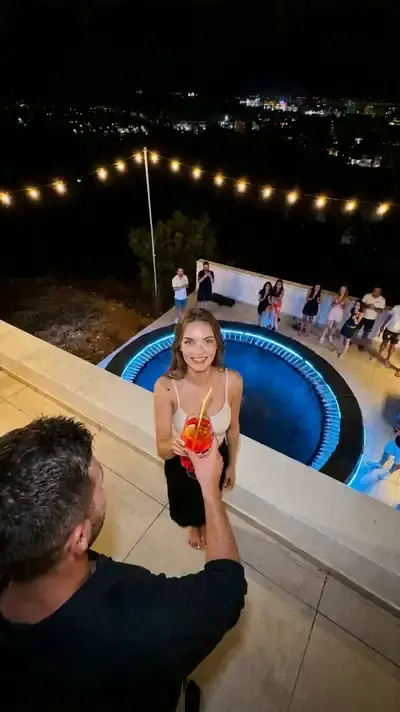
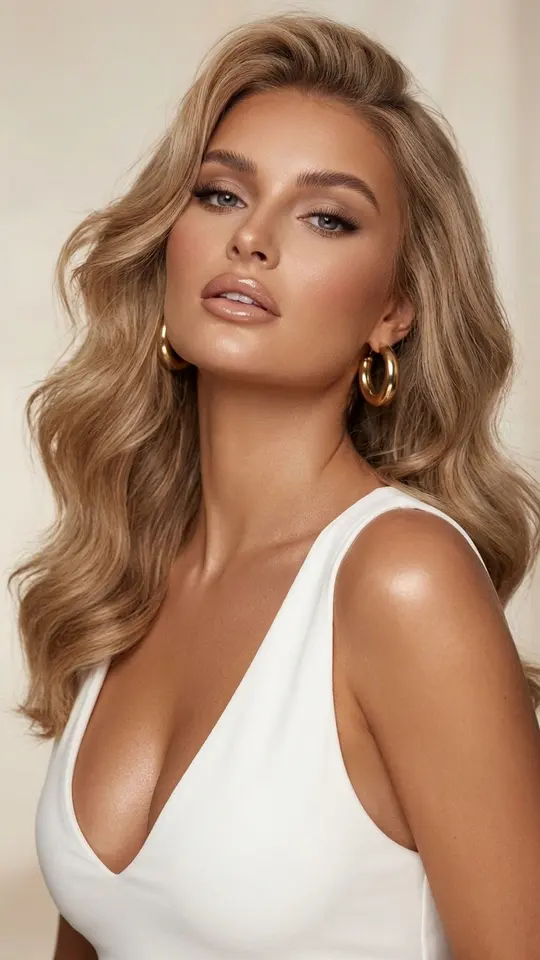
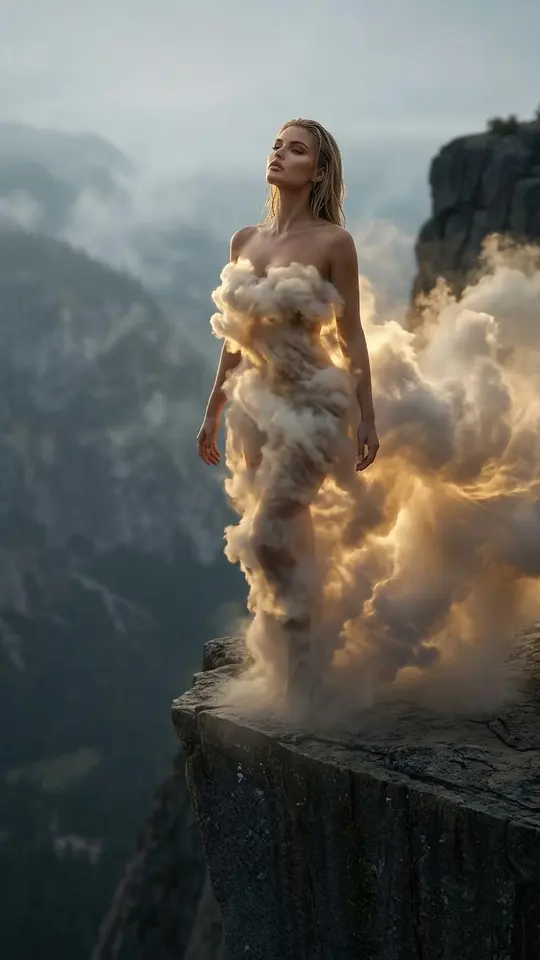
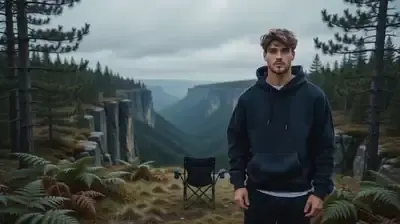
FAQ
What can AI generate on MarketVideo?
Still images and video clips. Images come from a description, from your own photo with an edit, or from a photo template; clips come from a prompt, from a photo you animate, from Motion Control following a reference video, or from a video template.
Is there a free AI generator on the site?
Partly. A handful of templates cost nothing on a given day: they wear a “Free today” label and have a daily cap on free runs. Everything else is paid in stars; a new account receives 5 once its email is verified, and the Pricing page sells plans and star packs for more.
Where should I start if I am not sure what I need?
Start with a picture. It comes back fastest, it shows how a model reads your words, and the finished picture can later become the starting frame of a video. If the result should contain you or your product, upload a photo; for everything else a description is enough.
Can the generator work from a photo?
Yes, in three ways: edit the photo on Create photo, animate it on Create video, or drop it into a template that asks for a portrait. Clear, well-lit photos where the face or product is fully visible give the models the most to work with.
Does the generator work online without an app?
All four routes run in the browser on a computer or phone, with no app to download. You can browse templates without an account and sign up only when you are ready to generate; finished files are saved to your history and download as ordinary images and videos.