Headstone Photo: Preparing a Loved One's Portrait
A headstone photo needs a clean, centered portrait, yet most families only have a snapshot from a dinner, a trip or a group picture. On MarketVideo you can prepare that snapshot with AI before taking it to the plaque or engraving maker.
Retouch a portraitReady in minutes · Free templates every day
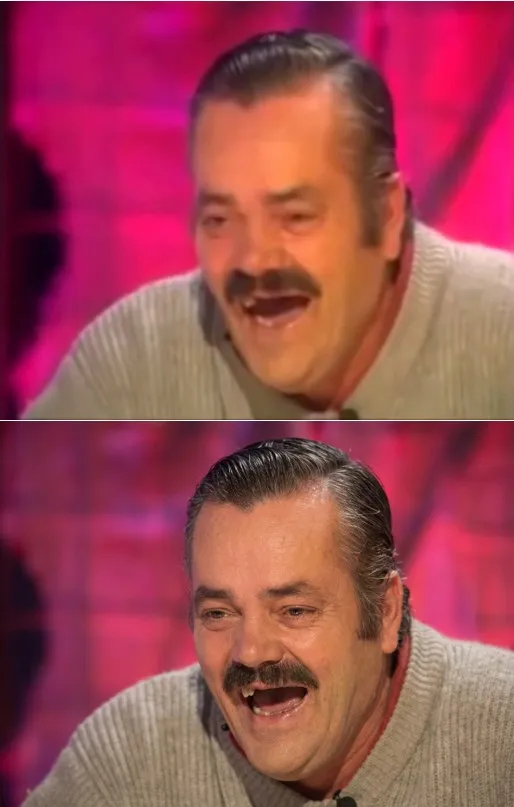
The edits stay around the person: damage on the print, a busy background, casual clothes, color that will not engrave well. The face, with its age and expression, is what relatives need to recognize, so it is left alone.
What usually needs fixing in a family snapshot
Three things get in the way most often: a cluttered background, a neighbor's shoulder at the edge and everyday clothes. Upload the snapshot on Create photo and ask in plain words for an even gray backdrop, the extra person removed and a dark jacket with a collar. For light and clarity, the Photo Restoration card balances exposure, sharpens the eyes and softens small blemishes.
Repair an old print before anything else
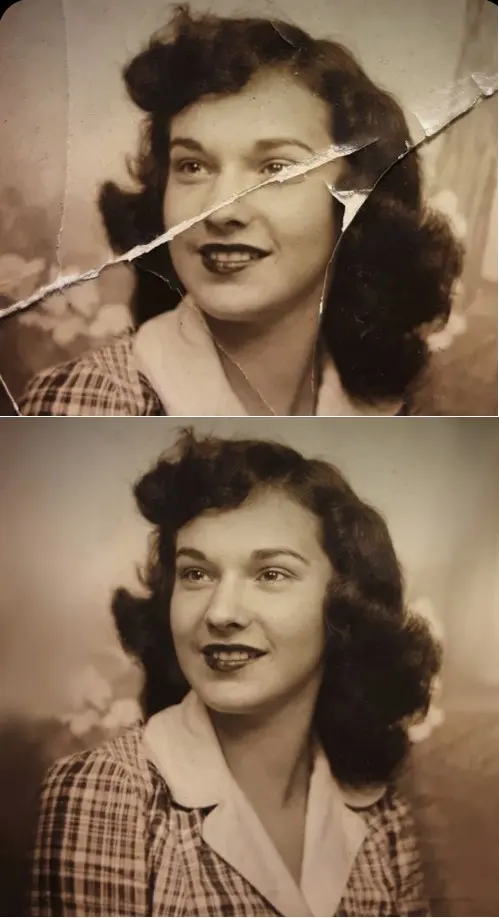
Album prints tend to arrive creased, spotted and faded. Mend the paper first: Crease & Damage Repair is written to clear folds, scratches and paper damage while keeping the face, age and hairstyle. Change the background or clothes only after that, because retouching a damaged scan sharpens the scanner noise rather than the person.
Black and white for ceramic and engraved plaques
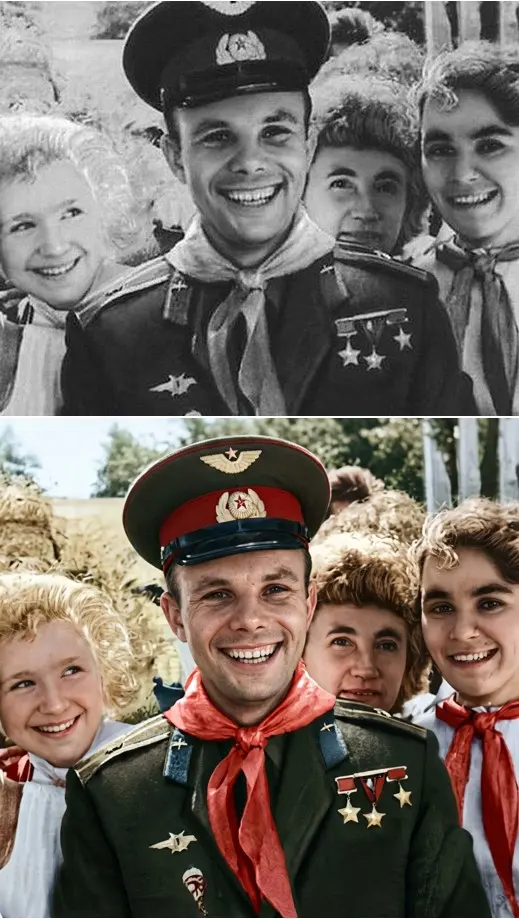
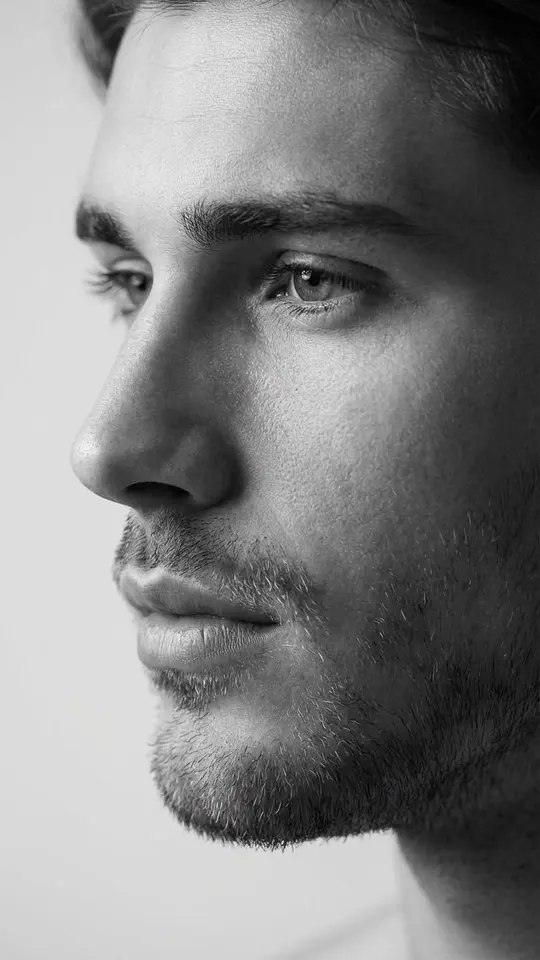
Engraving usually works from monochrome, since shades of gray turn into texture more cleanly than color. Ask for black and white with even contrast and no crushed shadows, where an engraver would lose detail. Ceramic plaques can carry color, so ask the maker which version they want before you convert anything.
What should stay exactly as it was
Features, age, head shape and expression are not up for editing. Skip requests to make the person look younger or to move the gaze; family members should see the face they remember. Every result is generated, so put it next to the original and check the eyes, mouth and hairline before sending it anywhere.
Framing the portrait for the plaque
Workshops cut the oval or rectangle themselves, so give them a vertical frame with room around the head and shoulders instead of a tight crop. Ask each maker about their size and margin requirements before you send the file, as these differ from shop to shop.
Ready-made templates

FAQ
Can a group photo work for a headstone photo?
Often, if the face is large and in focus. Ask the model to keep only that person, swap the scene for a plain backdrop and remove the shoulders beside them. When the face is only a few pixels wide, there is too little detail to build a portrait from.
Can casual clothes be changed to a suit or a dark dress?
Describe the clothing you want, for example a dark jacket with a white shirt collar, and add that the face, hair and pose must not change. Only what is below the neck should differ; if anything above the collar shifted, run the request again.
What does it cost to prepare a memorial portrait?
Stars pay for each run, and every card and model lists how many it needs before you begin. A newly confirmed account starts with five of them; if you need more, plans and one-time top-ups are described on Pricing.
Will the engraving shop accept the file?
You download the result as an ordinary picture, which is what shops work from. Their size and margin rules vary, so ask before ordering, and check with them whether the file is large enough for the plaque you chose.