How to Use AI for Beginners: Your First Five Minutes
How to use AI for beginners comes down to one short loop on MarketVideo: choose a ready-made template, upload a clear selfie, run it and keep the picture. That first try needs no prompt writing at all.
Make your first AI photoReady in minutes · Free templates every day
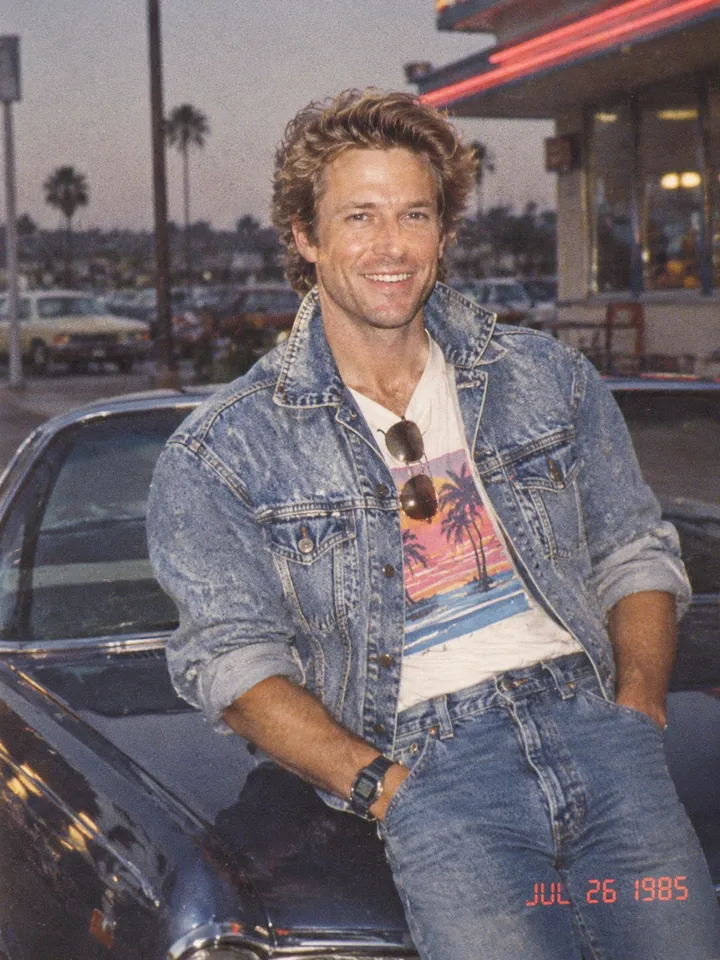
This walkthrough follows the first five minutes in order: the account, where starter stars come from, why a template beats an empty text box, and where the result ends up. Typing your own description can wait until the catalog lacks the scene you want.
Minute one: an account and starter stars
Looking around the catalog works without signing in. To generate, register for free and click the link in the confirmation email; five stars then show up on your balance. Stars are how runs get paid for here, and every template displays its own star price, so the charge is clear before you press run.
Minutes two to four: pick a template, not a blank prompt
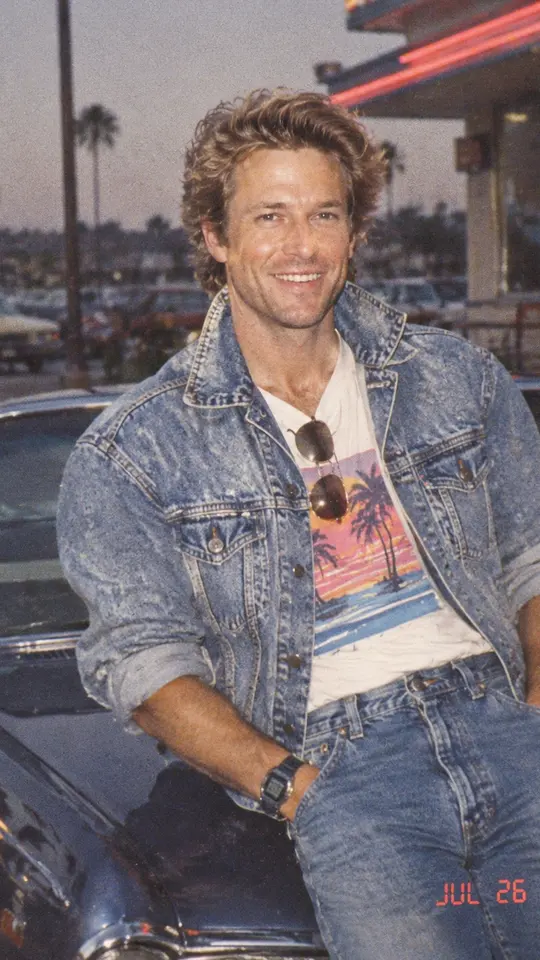
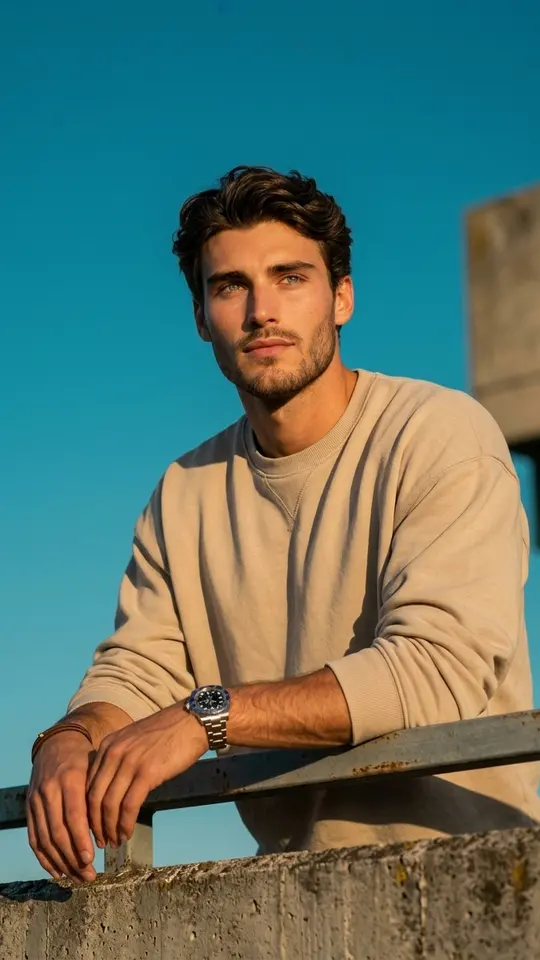
Scene, styling and framing are baked into every template. Open one, add the photo it calls for, then run it. Your Totally '80s Look keeps your face and reworks hair, clothes and surroundings into a mid-1980s snapshot. Golden Hour Rooftop Portrait leans you on a city rooftop railing in warm evening light.
Minute five: where the finished picture goes
Expect a picture back in roughly a minute or two, or later if the queue is busy. You end up with a regular image file to keep on your phone or laptop, and your generation history lists it as well, so nothing is lost if you close the tab. Any modern browser is enough; there is nothing to install.
Later: writing your own prompt
When no template fits, the Create photo page takes a description in your own words, optional photos and a model choice such as Nano Banana, Seedream 4.5 or GPT Image 2.5. Video follows the same pattern on Create video. Begin with photos: results return sooner, which makes learning faster.
Ready-made templates
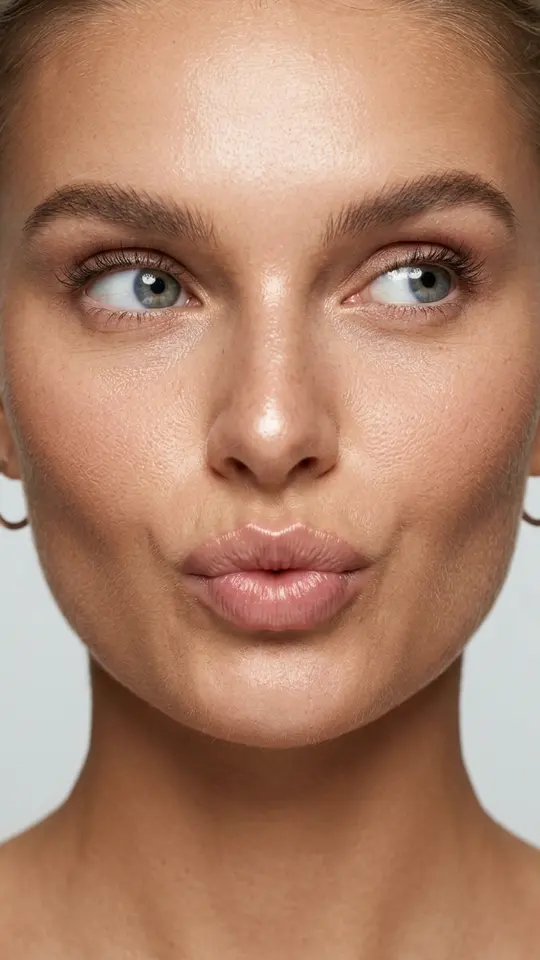
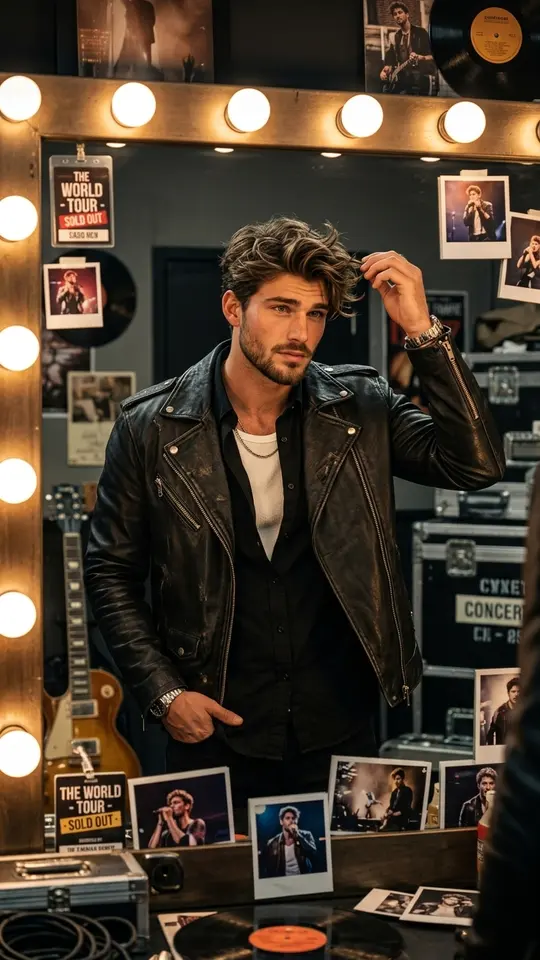
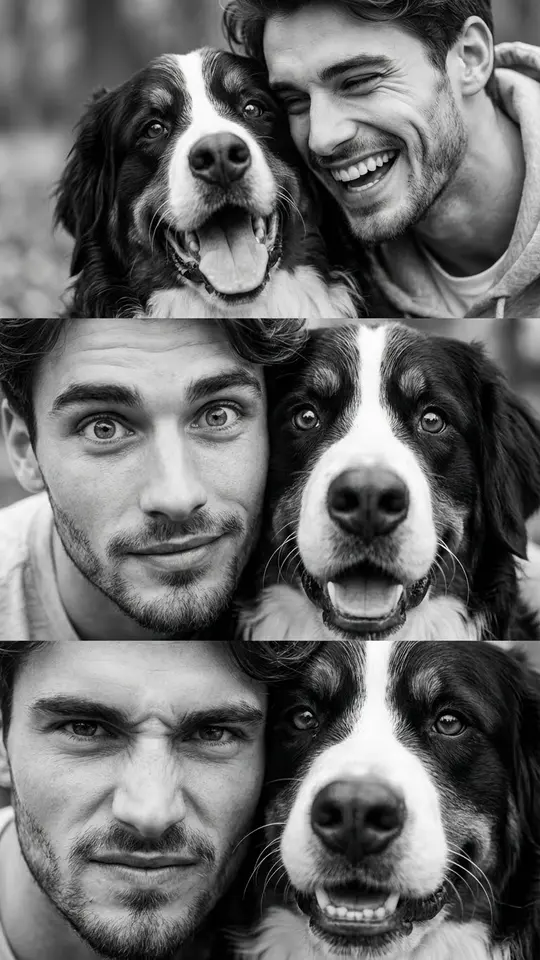

FAQ
Do I need to know how to write prompts to start?
No. A template comes with its scene and style built in, so you only supply the photo it asks for. Prompts matter later, when nothing in the catalog is close to what you picture.
Can I make AI pictures for free?
Partly. The five stars granted after email confirmation cover early experiments. On top of that, a rotating handful of daily picks carry the Free today tag and cost nothing until their run cap is reached. Once you want more, the Pricing page explains how to top up.
Whose photos can I use to make AI pictures of yourself or others?
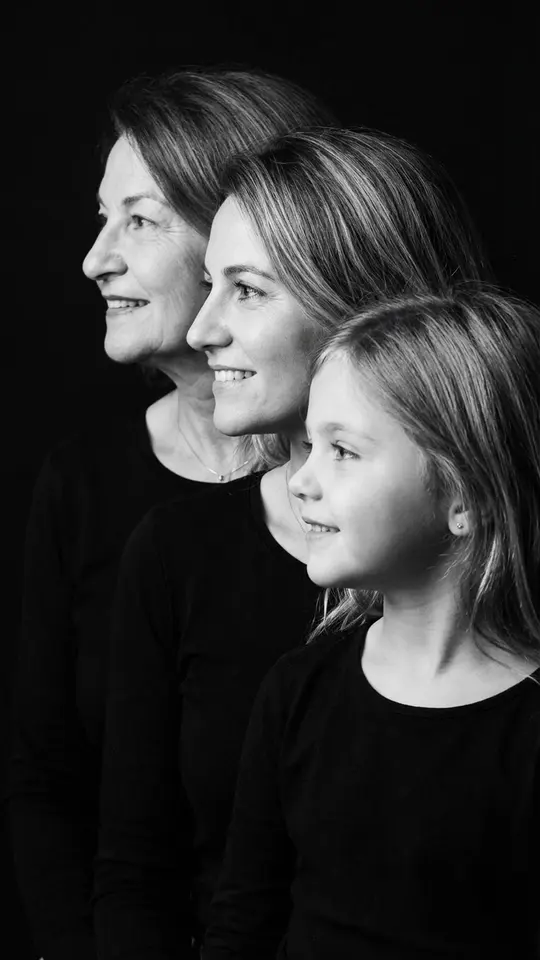
Selfies are the natural starting point, and friends or relatives work too if they agreed first. Leave out famous faces and anyone who never gave permission. A child's photo fits only a household keepsake such as Generations Family Portrait, which lines up grandmother, mother and daughter in profile.